
Choosing WordPress hosting doesn’t have to be a 3,000-word saga.
This page gives you a visual first breakdown of how Kinsta compares to typical shared hosting in 2025 – focusing on speed, uptime and reliability.
Scroll through the charts and graphics, read the short notes, and decide what fits your project.
1. Speed at a Glance (2025)
Speed is usually the first thing people feel.
A fast site feels professional. A slow one feels broken – especially when you’re sending paid traffic.
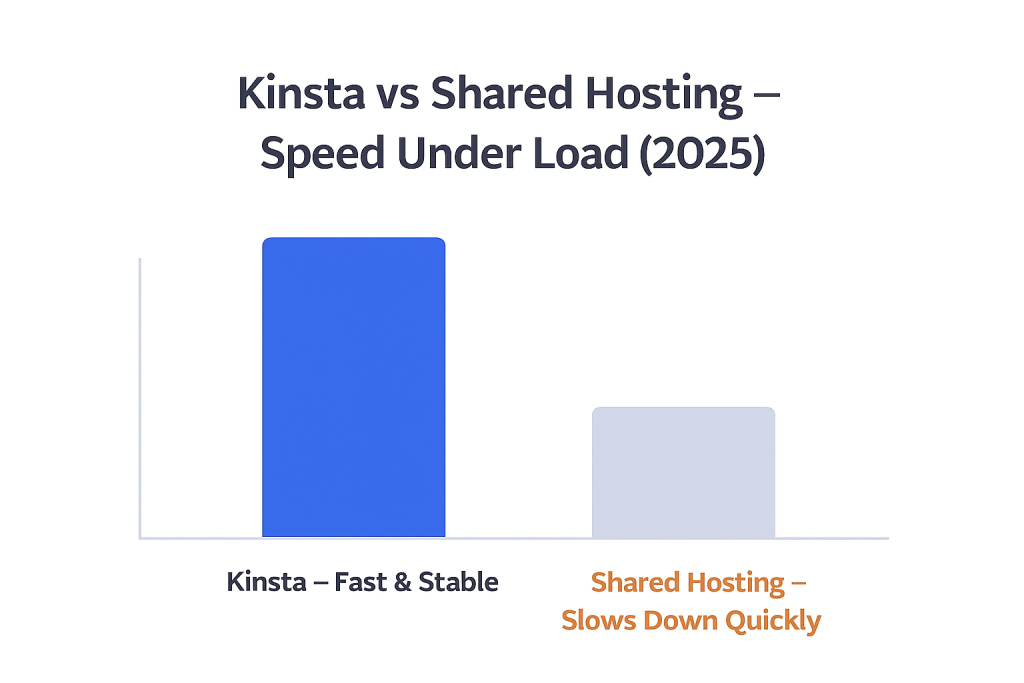
On the chart above you can see that Kinsta stays fast even as visitors increase, while shared hosting quickly starts to slow down.
In real life, that means:
- Faster page loads during campaigns and promotions
- Less chance of visitors leaving because the site feels stuck
- Better chances of turning paid clicks into real customers
2. Global Network & Uptime
Hosting is also about where your server lives.
Kinsta runs on Google Cloud’s premium machines, with multiple data centres around the world, while cheap shared hosting often relies on one or two crowded locations.
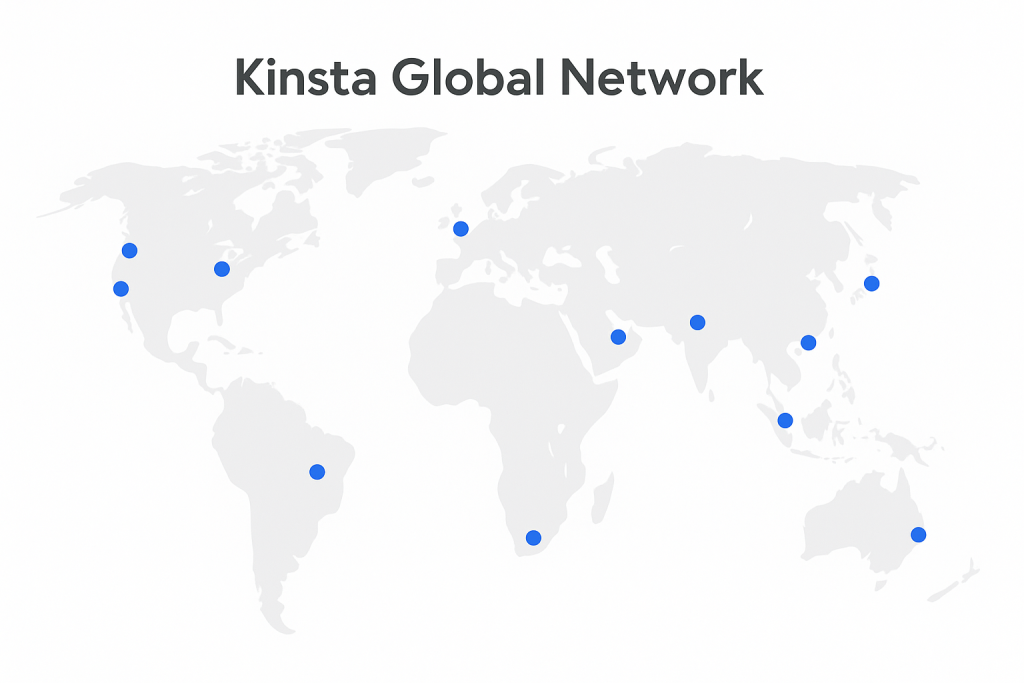
Because of this global network, Kinsta can:
- Serve visitors from the closest region
- Reduce latency and improve first-byte time
- Keep uptime more consistent for an international audience
Shared hosting is usually fine for local, low-traffic sites – but it often struggles as soon as you start getting visitors from different countries.
3. Who Kinsta Is Really For
Not every project needs managed premium hosting.
Kinsta makes the most sense when performance and uptime actually affect your revenue or reputation.
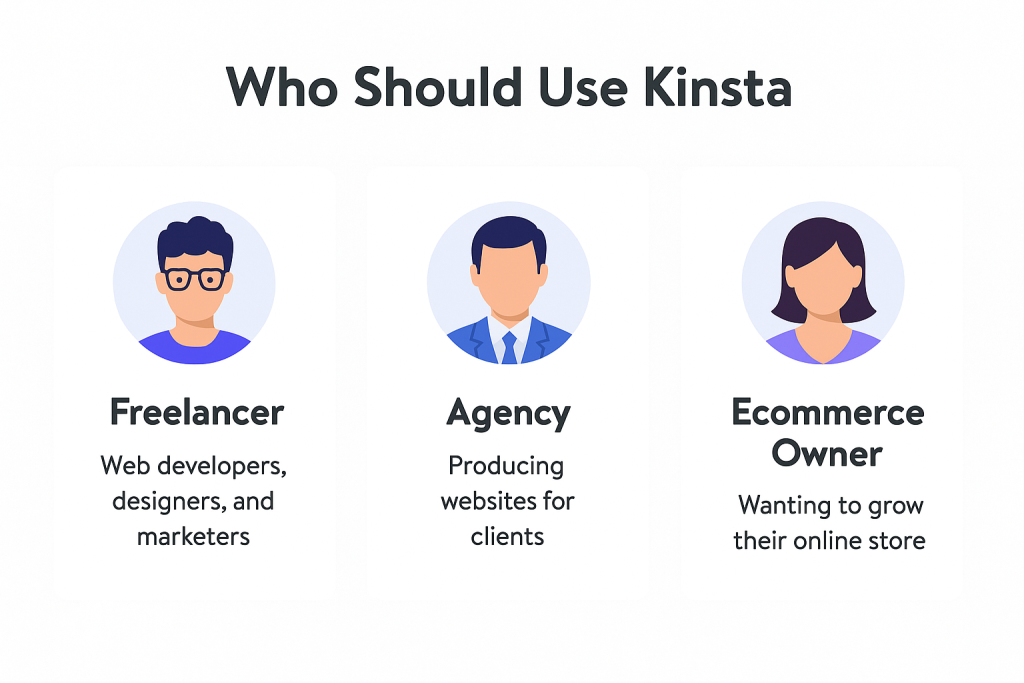
Kinsta is usually a good fit for:
- Online stores & WooCommerce – where every second of delay can mean lost orders
- Serious content sites & blogs – where SEO, uptime and speed really matter
- Agencies & freelancers – running important client projects on WordPress
If you’re running a tiny hobby blog or a simple test site, shared hosting can still be enough – at least in the beginning.
4. Pros & Cons in One Screen
Every decision has a trade-off: price vs performance.
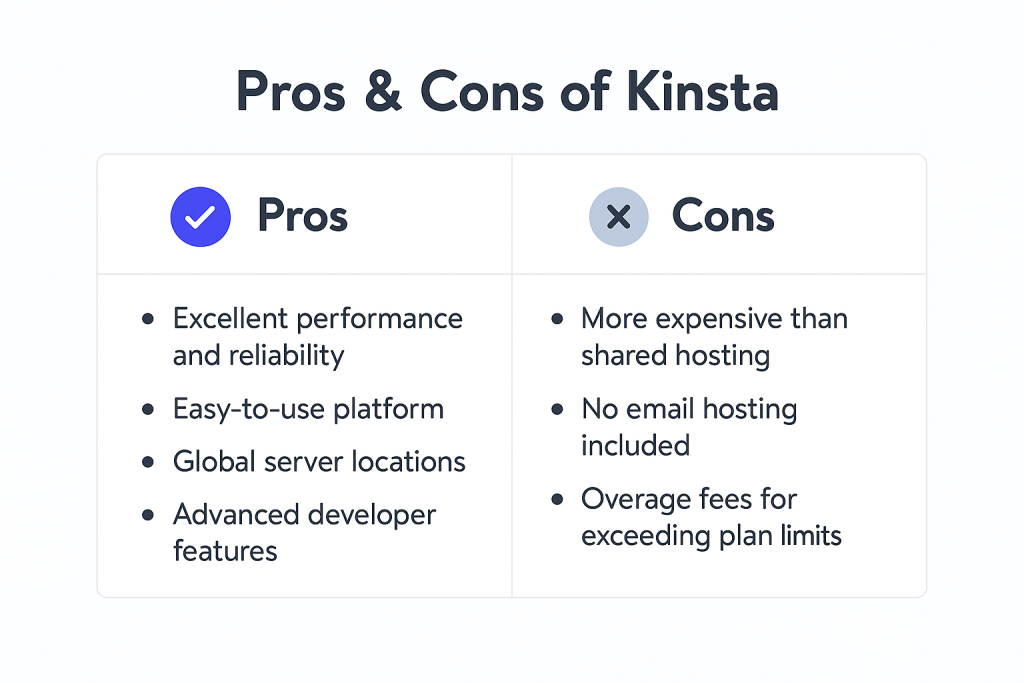
In short:
- With Kinsta, you pay more than for basic shared hosting
- In exchange, you get better speed, uptime, infrastructure and expert support
For projects that generate leads, sales or clients, this trade-off is usually worth it.
For small, low-risk sites, staying on shared hosting can still be OK.
5. When Does It Make Sense to Upgrade?
Many people start on shared hosting and only move to Kinsta when problems start to hurt the business.
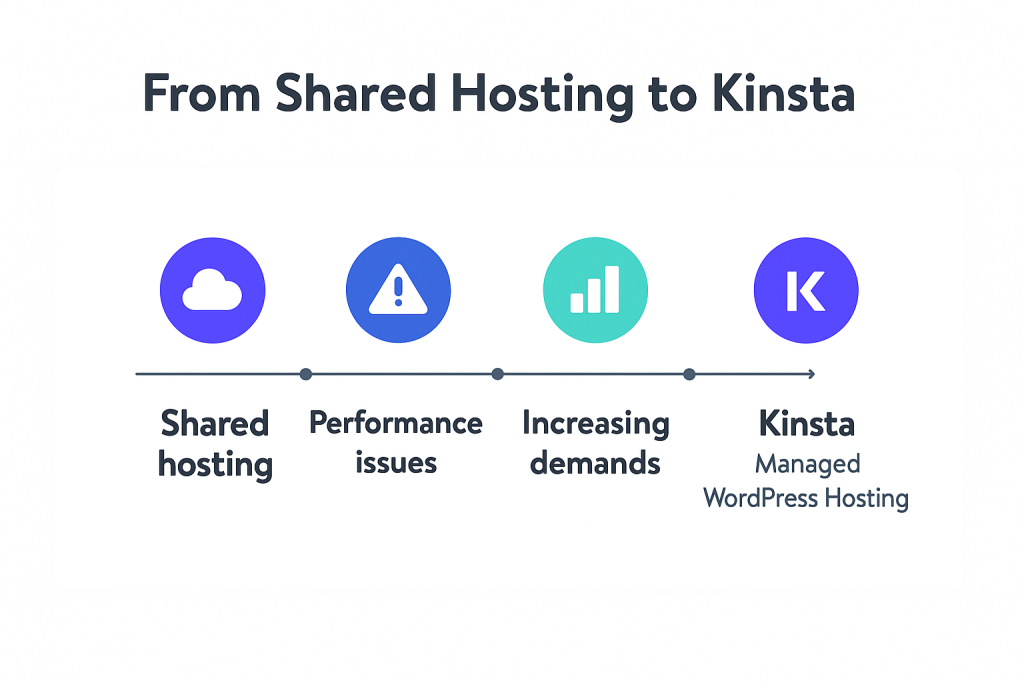
A very common journey looks like this:
- Start on cheap shared hosting for a new/small project
- Launch campaigns, SEO, paid ads – traffic grows
- Site becomes slow or unstable when you actually need it most
- Move to Kinsta for managed performance, better uptime and peace of mind
If you’re already running campaigns or planning to send serious traffic, it’s often cheaper to upgrade before you lose money on a slow site.
6. Final Verdict & Next Steps
In simple terms:
- Kinsta is built for speed, stability and serious projects
- Shared hosting is fine for experiments, tiny blogs and ultra-low-risk sites
If you’re running an online store, a high-intent lead-gen site or a growing content project, Kinsta is usually the safer long-term choice.